Editing Existing Filters
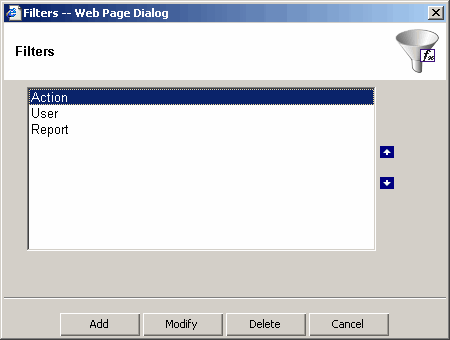
- To edit a filter, click filter "Filters" toolbar button.
- To change the filter order, under the filter section,
select a filter and click the "Move Up" or "Move Down" button.
- To delete a filter, select a filter and click the "Delete" button.