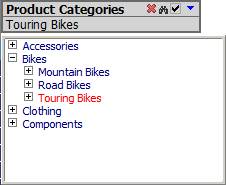
Setting up Filters
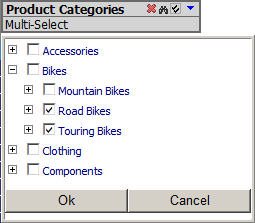
- The Multi-Select button will let you select multiple members.
To multi-select a range of items: select first item then shift-click last item.
- Click the red delete icon to remove the filter.
- Paging will be used when the number of items will exceed the default page size (100)
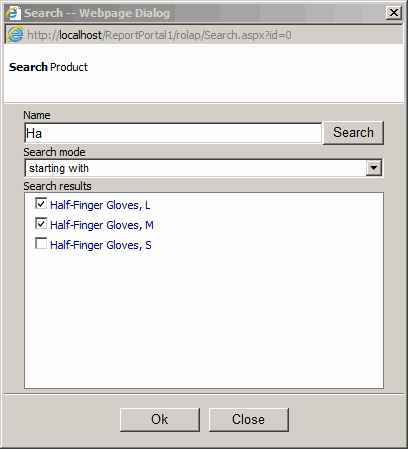
Click filter search button to locate filter items:
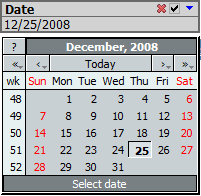
If you have a date attribute, you can use it as a date picker:
- Go to Admin > ROLAP > Select your cube, select your date attribute, for Filter Type select Date Picker.
- Add your date attribute to filers.