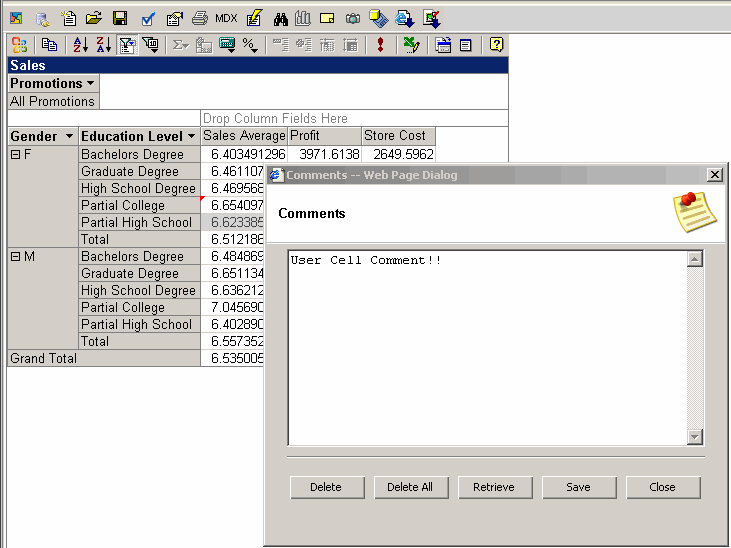
Comments
- To add or update a comment to a report open a saved report,
select a cell and click the Comments toolbar enter a comment and click Save.
- To delete a comment open a saved report,
select a cell and click the Comments toolbar and click Delete.
- To delete all report comments click the "Delete All" button.