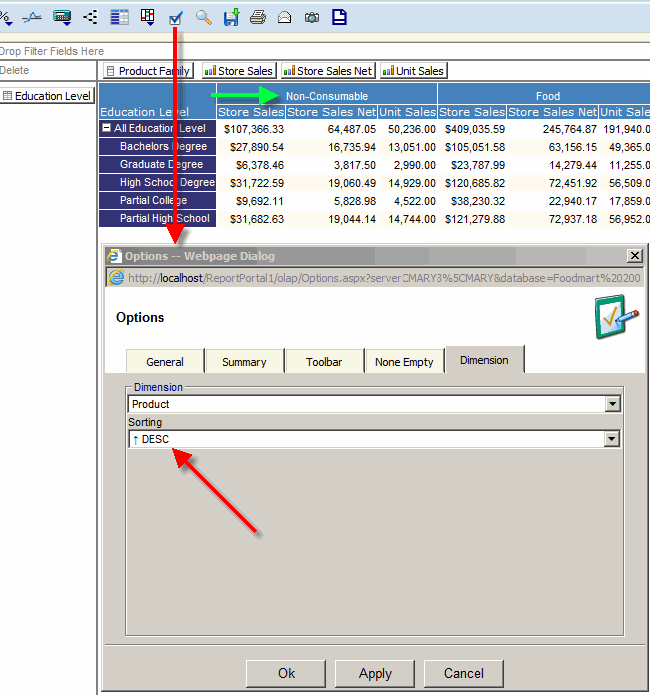
Sorting
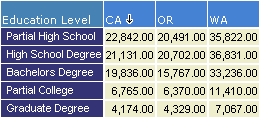
- Click on a column you would like to sort.
First click will sort in descending order.
Second click will sort in ascending order.
Third click will restore the natural dimensional order.
- Click on a dimension name to sort members alphabetically
-
When in the drill-down mode the sort operation will create
different sort orders for each parent member.
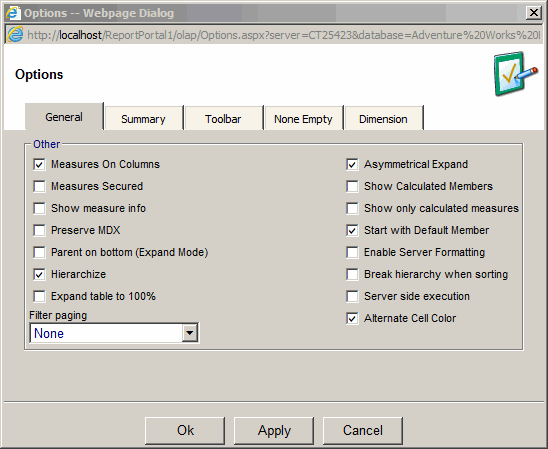
In report options dialog check the "break the hierarchy
when sorting" option to ignore the member hierarchy.
To sort a dimension selected on columns:
- Open Options, select Dimension tab
- Select a dimension hierarchy selected on columns
- Select sorting direction: ascending or descending