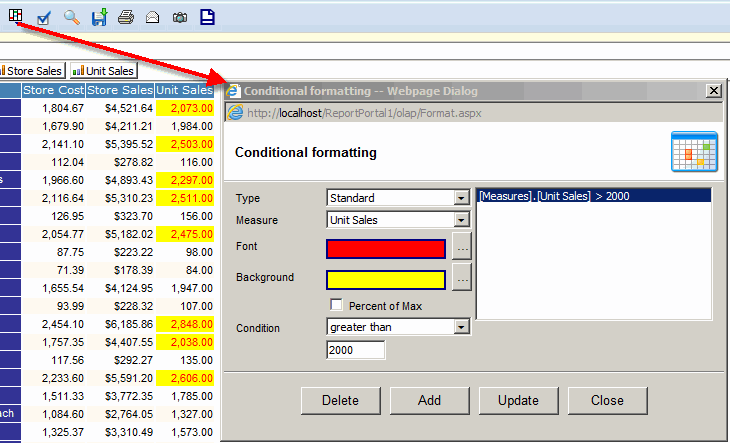
Conditional formatting - Standard
- Click the "Conditional formatting" toolbar button
- Select font color
- Select background color
- Select a measure
- Check if the condition has to be percentage based.
In the drilldown mode, the percentage will be in terms of
Sum and, in expand and expand all modes, the percentage will be in terms of Max.
- Select a Condition
- Click the "Add" button.
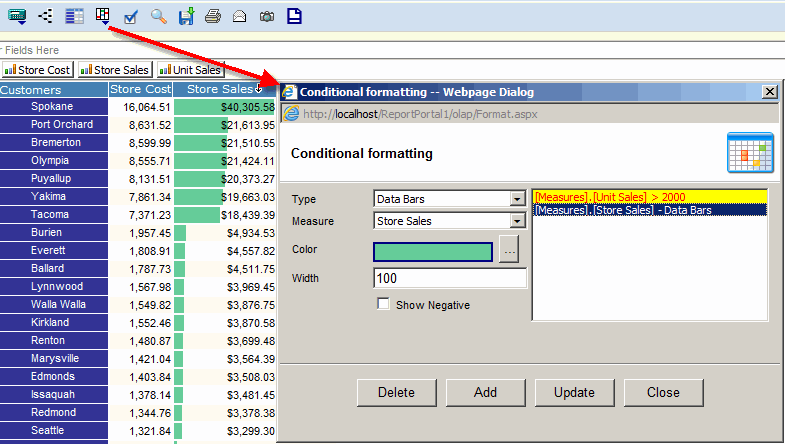
Conditional formatting - Data Bars
- Select Type = Data Bar
- Select a measure
- Select color
- Enter the width of the data bar in pixels
- Check "Show Negative" to see negative and poitive data bars
- Select Negative color if "Show Negative" is checked
- Click the "Add" button.
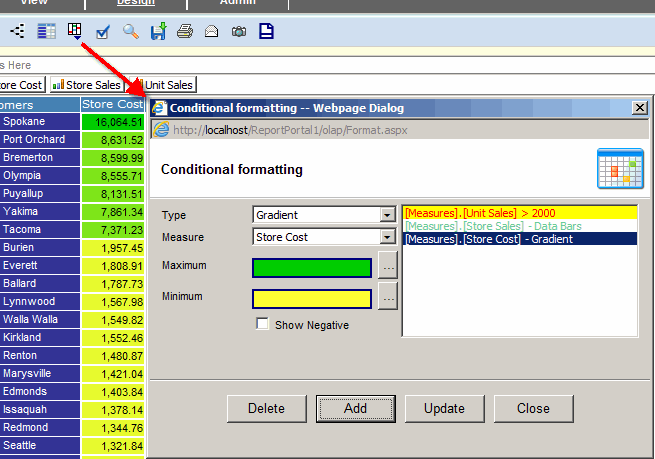
Conditional formatting - Gradient
- Select Type = Gradient
- Select a measure
- Select Maximum color
- Select Minimum color
- Check "Show Negative" to see negative and poitive data bars
- Select Negative color if "Show Negative" is checked
- Click the "Add" button.