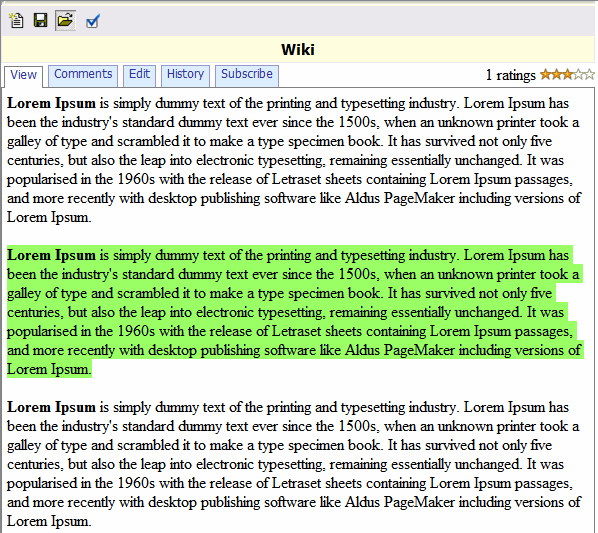
Wiki Report
To create new Wiki:
- Go to Design > Other > Wiki
- Click Options toolbar button and select options.
- Click Save toolbar button to save the report
- Click Edit tab to Enter your text
- Click Save button
Wiki report provides:
- Ability to create and vew HTML page and drawings using an online editor
- Ability to comment and to reply to comments
- Ability to view and compare previous version
- Ability to for users to subscribe to changes