Reporting Services Report Builder
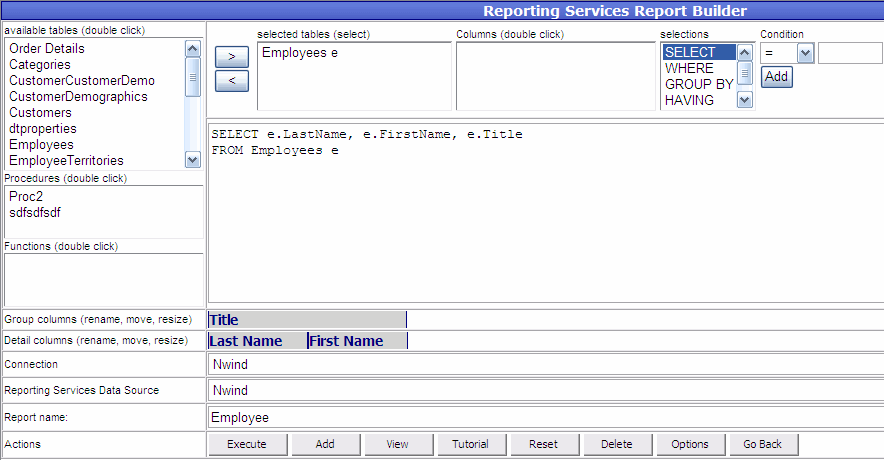
Reporting Services Report Builder lets you build report based on a relational database.
- Select Connection
- Select Reporting Services Data Source
- Paste or build SQL
- Click Execute
- List of columns under "Detail columns" will appear. Resize each column as needed.
- Double click to rename each column
- Drag any of the columns under "Detail columns" to "Group columns".
- Select SSRS folder
- Enter Report name
- Click Add