Setting up Filters
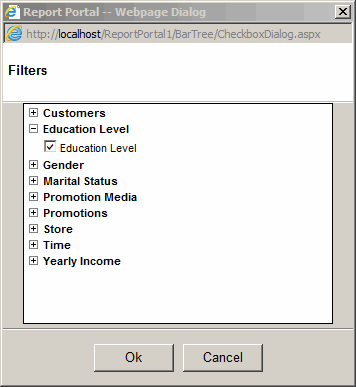
- Click on "Filters" toolbar button and select one ore more dimensions to filter.
- The dimensional filter can only be used for "background" dimensions.
The dimensional filter will be ignored if the dimension is already
used for one of the Pie charts.
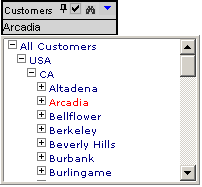
- Navigate down to the member that would be used to filter the results.
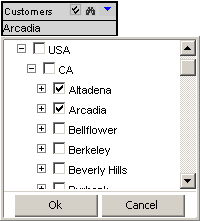
- The Multi-Select button allows selecting more than one member at once.
To multi select a range of items: select first item then shift-click last item.