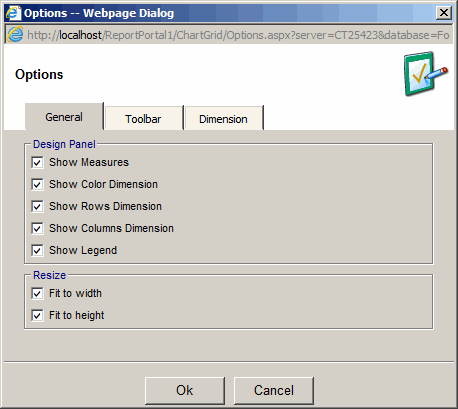
General Options
- Design Panel:
- Show Measures - make list of Measures visible in the view mode
- Show Color Dimension - make color Dimension visible in the view mode
- Show Rows Dimension - make color Rows visible in the view mode
- Show Columns Dimension - make Columns Dimension visible in the view mode
- Show Legend - make Legend visible in the view mode
- Resize:
- Fit to width - if possible, resize charts to will the width of the frame
- Fit to height - if possible, resize charts to will the height of the frame
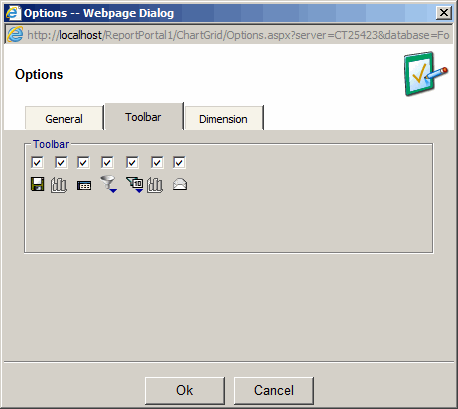
Toolbar Options
Gives the ability to choose the toolbar buttons to be visible in the view mode.
Dimension Options
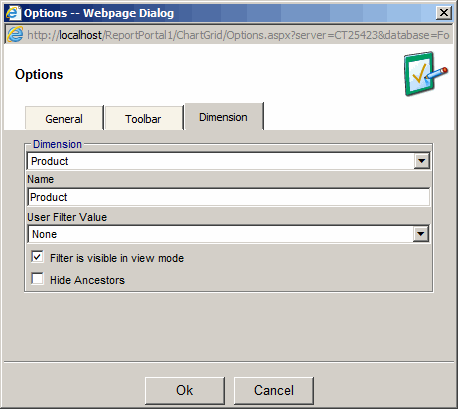
- Provides the ability to change name of a dimension
- Provides the ability to choose a user filter default value for a filter
- Provides the ability to hide the filter in the view mode
- Provides the ability to hide the parent of the selected filter value