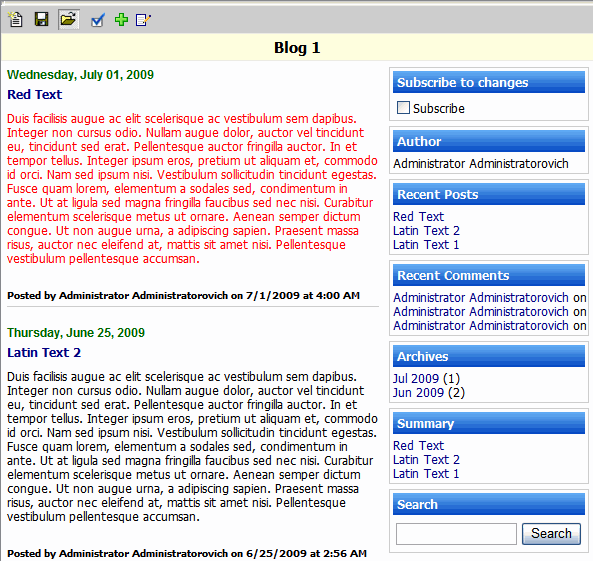
Blog Report
To create new Blog report:
- Go to Design > Other > Blog
- Click Options toolbar button and select options.
- Click Save toolbar button to save the Blog report
- Click "Add Blog Entry" to Enter your text
- Click Submit button
Blog report provides:
- Ability to display text/html entries in a reverse-chronological order.
- Blog entries are created using online HTML editor.
The HTML editor provides the ability to create a link to another report, add uploaded image and to embed report or a folder contents.
- Ability to comment on each blog entry